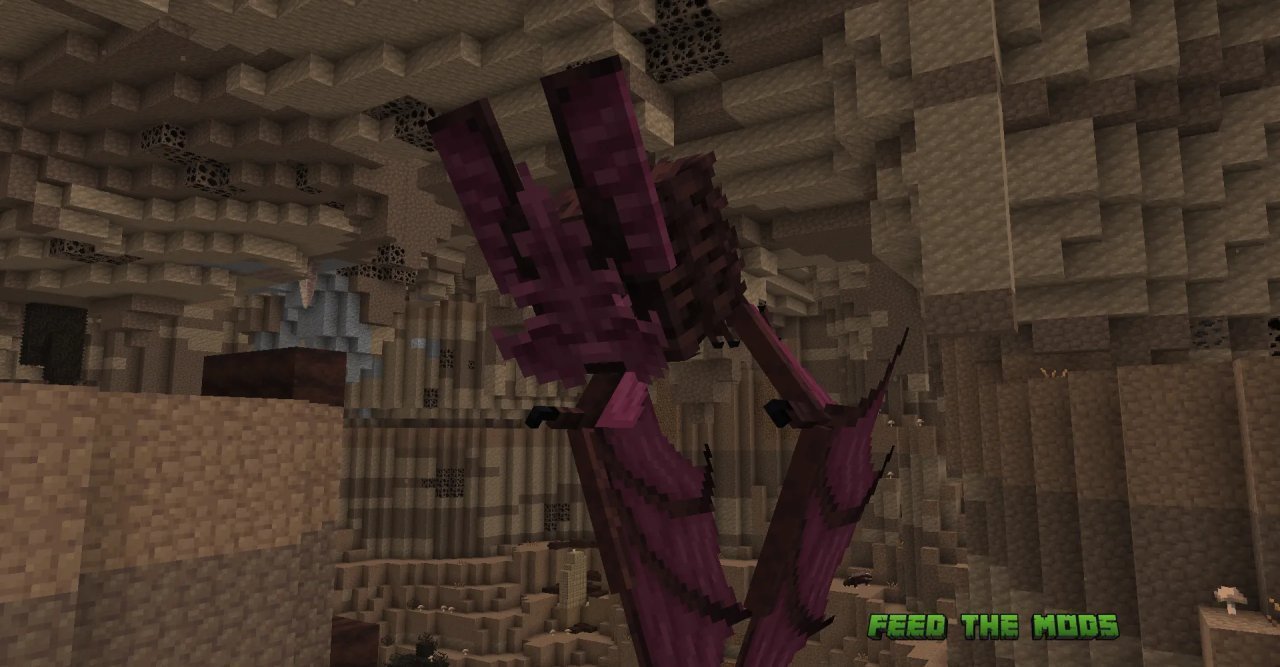
Biome-led exploration
Six rare cave environments use their own atmosphere, creatures, resources and progression ideas, encouraging deliberate exploration instead of random mining.
06
A practical resource for understanding the original Java Edition mod, matching versions and loaders, installing dependencies, troubleshooting issues and finding the right download format.
The supplied main download is a GitHub source archive. For a playable mod file, verify the compiled release that matches your Minecraft version and loader.
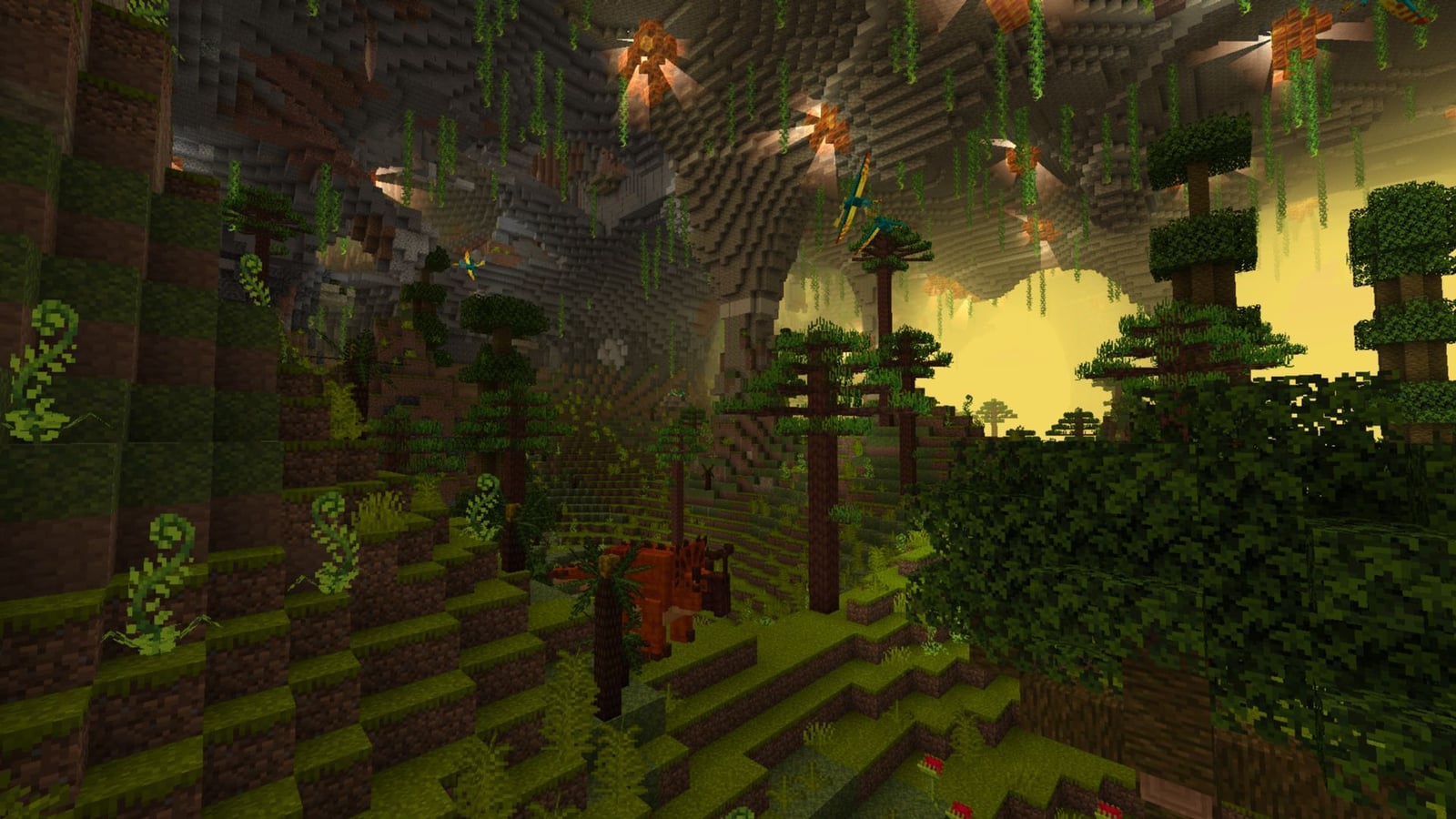

Alex’s Caves expands exploration with rare cave biomes, creatures, resources, equipment and biome-specific mechanics. The original project’s public listings target Minecraft: Java Edition 1.20.1 and identify Forge and NeoForge support.
This website is designed around the questions players usually face before installation: which version is original, what a Fabric or 1.21 result actually represents, why Bedrock files are different, and how to avoid mixing incompatible downloads.
The experience is built around destinations rather than simply adding more ore to ordinary caves.
Six rare cave environments use their own atmosphere, creatures, resources and progression ideas, encouraging deliberate exploration instead of random mining.
Mobs and hazards are tied to cave identity, making preparation part of the journey.
Biome-specific materials connect discovery with crafting, tools and progression.
Fog, lighting and ambient effects are a major part of how each cave is presented.
In-game guidance helps players understand where to go and what to look for next.
Match the environment first, then install. This avoids most loader and version errors.
Identify the exact Java Edition version used by your modded instance.
Use a build intended for Forge or NeoForge, or verify a clearly labeled community port.
Original builds list Citadel; community ports may use different dependency rules.
Launch a clean profile or copied world before committing an important save.
The safest reference point is the original Java Edition release: Minecraft 1.20.1 with Forge/NeoForge listings and a Citadel dependency.
Newer-version, Fabric and Bedrock searches should be checked against that baseline instead of assumed to be official.
Download NowBest-documented target for the original mod. Match the exact loader and dependency version.
Public original-project listings identify these loaders for 1.20.1 releases.
Newer Fabric and 1.21.x builds may be maintained by other projects. Verify maintainer, dependencies and file source.
Java mod JARs do not install directly into Bedrock or PE. Treat “Bedrock download” claims as a different product category.
The provided primary download URL points to the project’s GitHub main branch source ZIP. That is useful for source access, but it is not automatically the same as a compiled mod JAR. Verify the exact release format your loader expects and avoid unrelated installers or executable files.
Keep one version, one loader and one dependency set aligned. Mixing files is the fastest way to create startup errors.
Copy important saves before changing world-generation mods.
Test the mod and dependency before adding a large modpack.
Do not leave old and new versions of the same mod in the folder.
Loader and dependency errors are usually visible near the top of the cause chain.
This button uses the download URL supplied for this website. It downloads the GitHub main-branch source archive. If your goal is normal gameplay, confirm whether you instead need a compiled loader-specific JAR.
Download Alex Caves Mod ↓External download destination. Check file type, loader and Minecraft version before use.
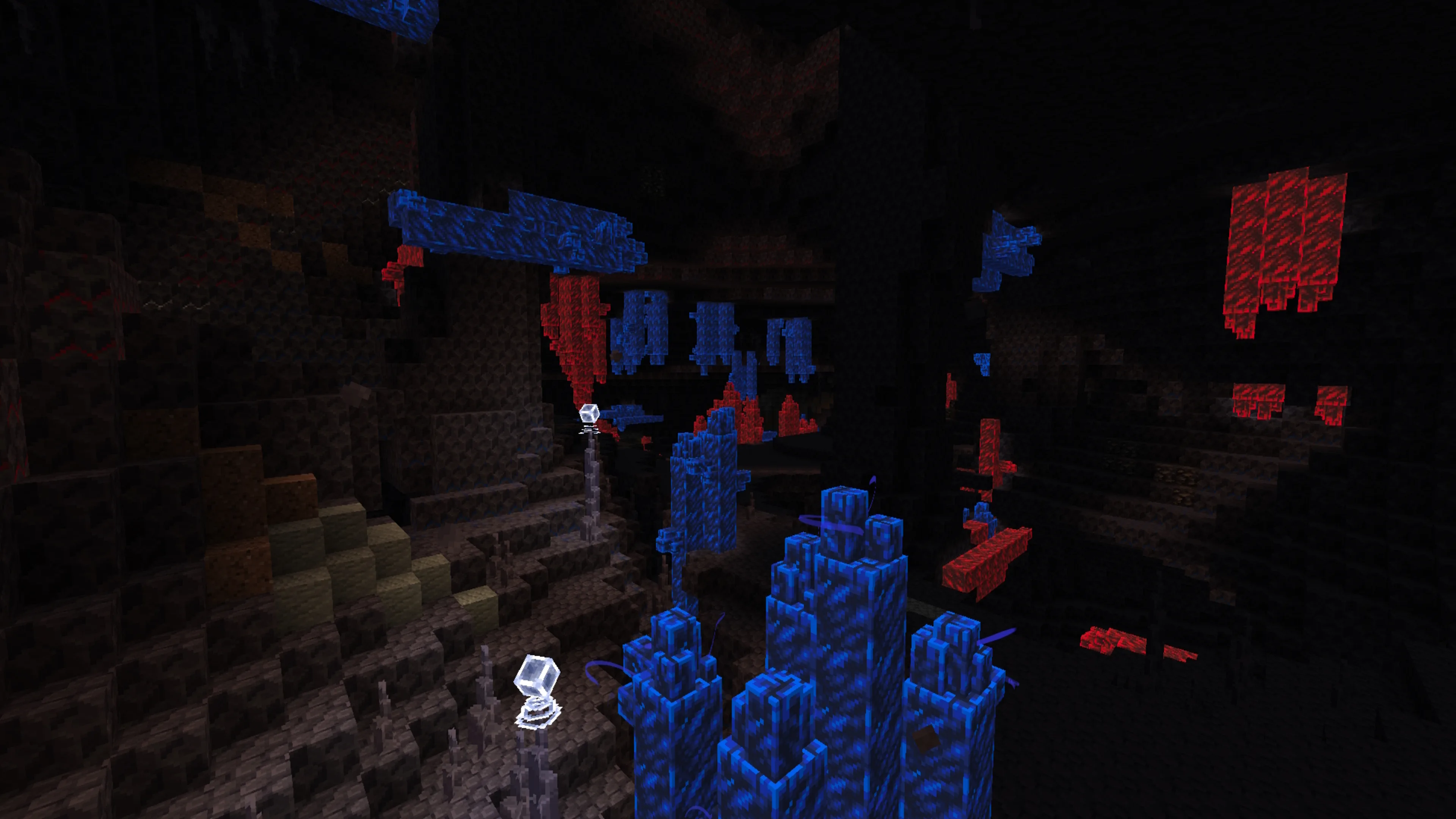
Understand what the mod changes and what must be installed before opening a world.
Separate the original 1.20.1 project from newer community ports and loader-specific builds.
Keep client, server, loader and dependency versions aligned before inviting players.
Use the original project’s Java 1.20.1 identity as your compatibility anchor.
Official project listings focus on Minecraft 1.20.1 and the original cave-content experience.
Search results for Fabric and Minecraft 1.21.x can point to separate continuation or port projects. Their support and dependencies belong to those maintainers.
Bedrock add-ons use a different format. A Java mod download should not be relabeled as a Bedrock package.
Version
Confirm the mod file targets the exact game version used by the instance.
Loader
Do not assume Forge, NeoForge and Fabric files are interchangeable.
Dependency
Original builds may fail to load if the required dependency is absent or mismatched.
Mods folder
Remove old duplicate versions and retest with the smallest compatible set.
Twenty focused answers are split between compatibility and setup so you can verify the basics before changing a Minecraft instance.